😮💨
THE PROBLEM
"How many times do I have to repeat it?"
- Repeating the same instruction without anything changing
- Improvised rewards or consequences feel confusing
- Trips or shared custody disrupt the whole routine
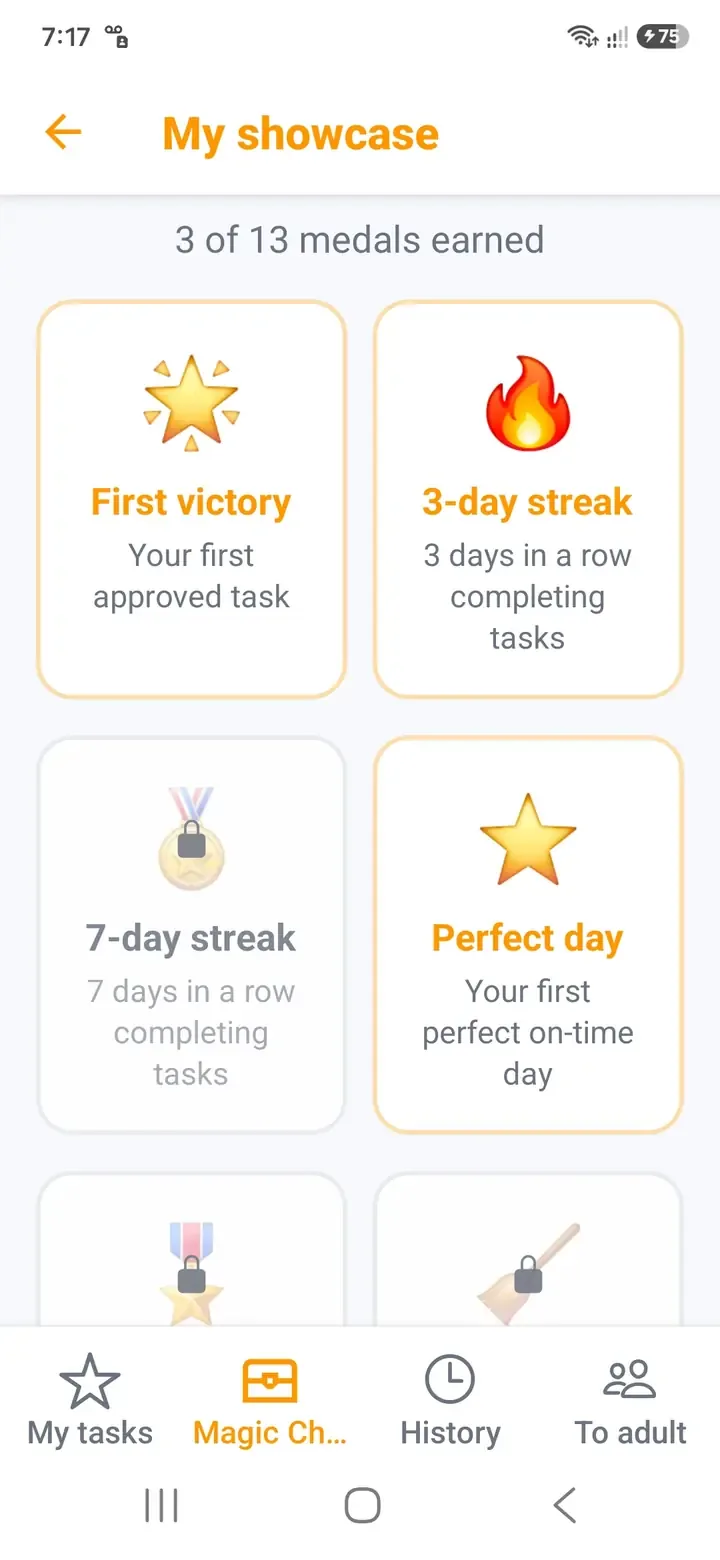
Less fighting over "clean your room". More completed missions, earned coins, consistency medals, and rewards you choose together.
 The world of little heroes
A clear system for parents and an exciting one for children.
Set up your family in minutes, then let good habits grow from there.
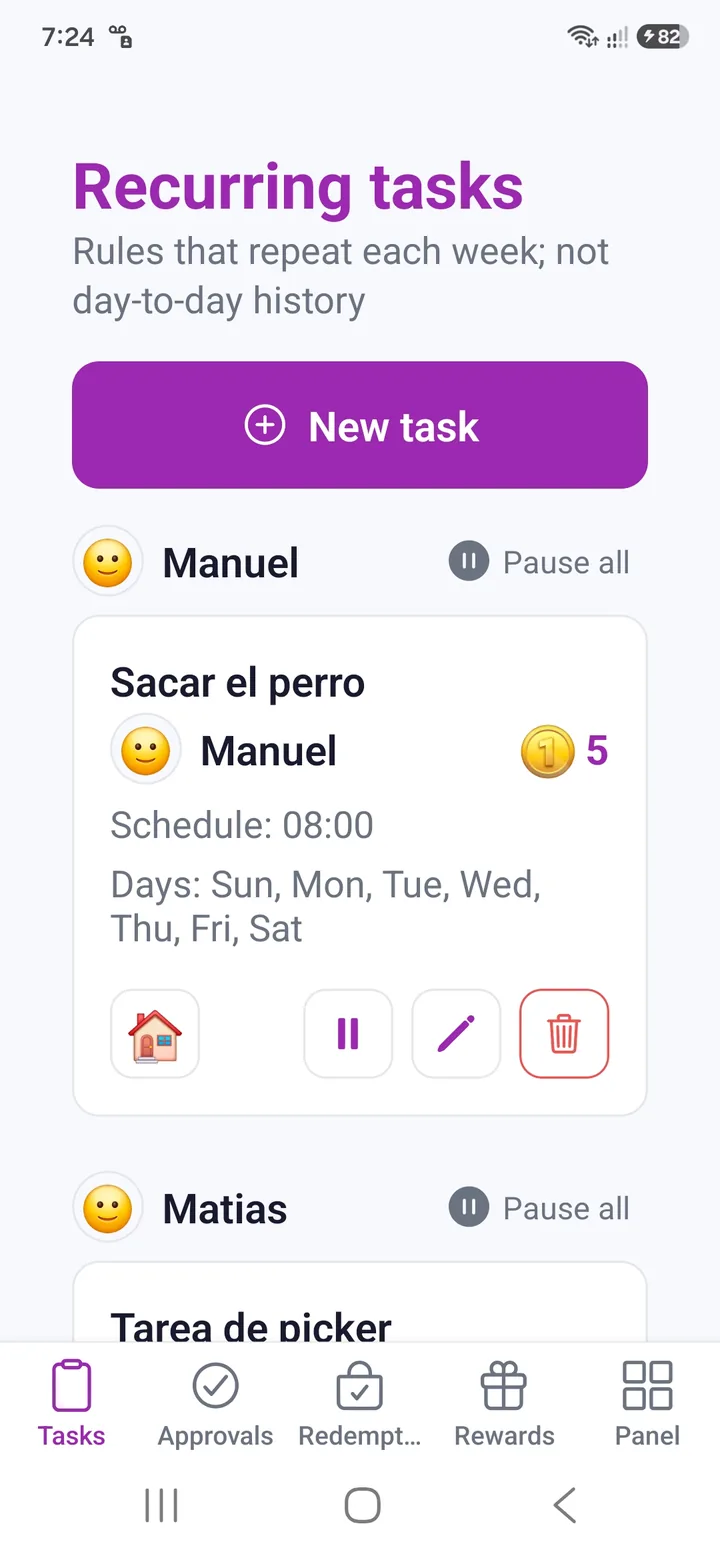
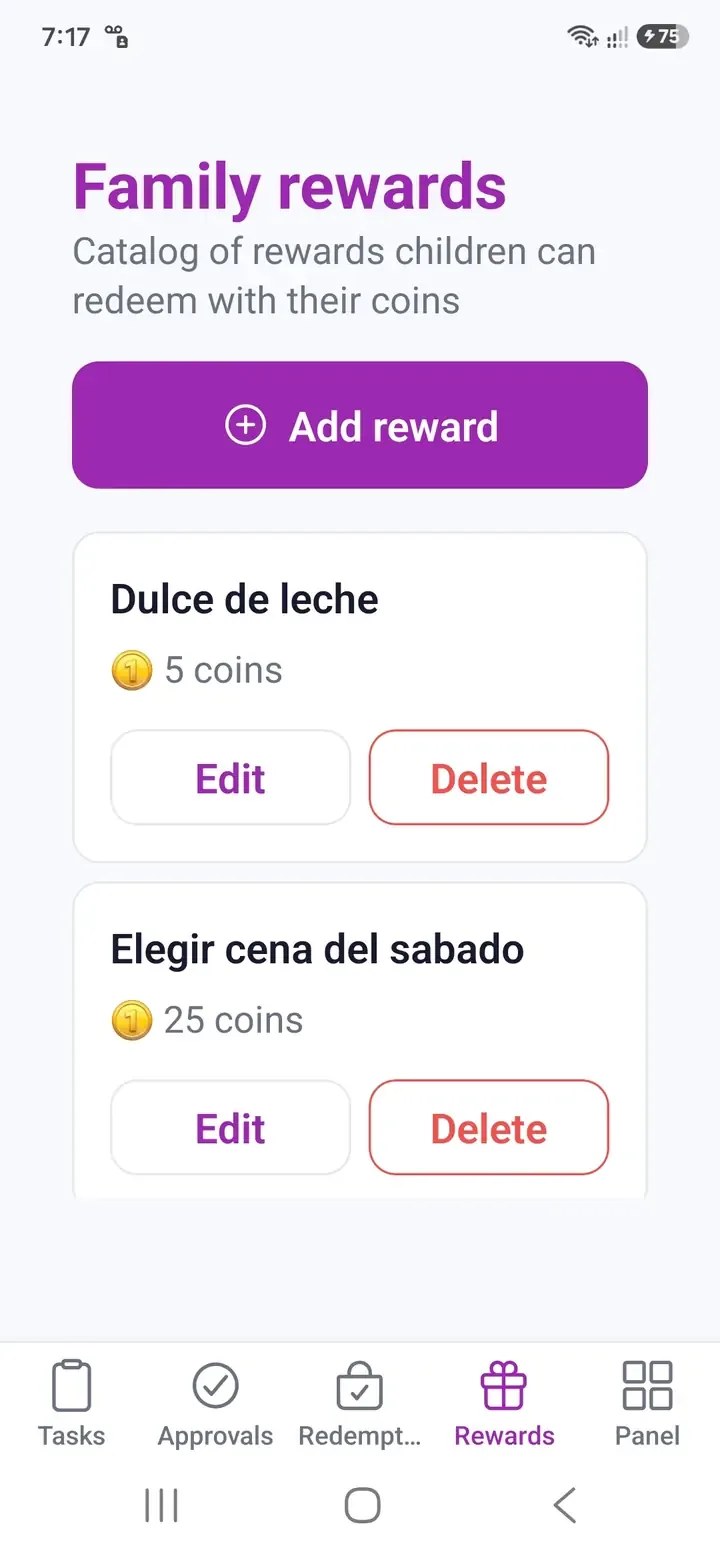
Set up Order, Learning, Health, and Home tasks with difficulty levels and schedules.
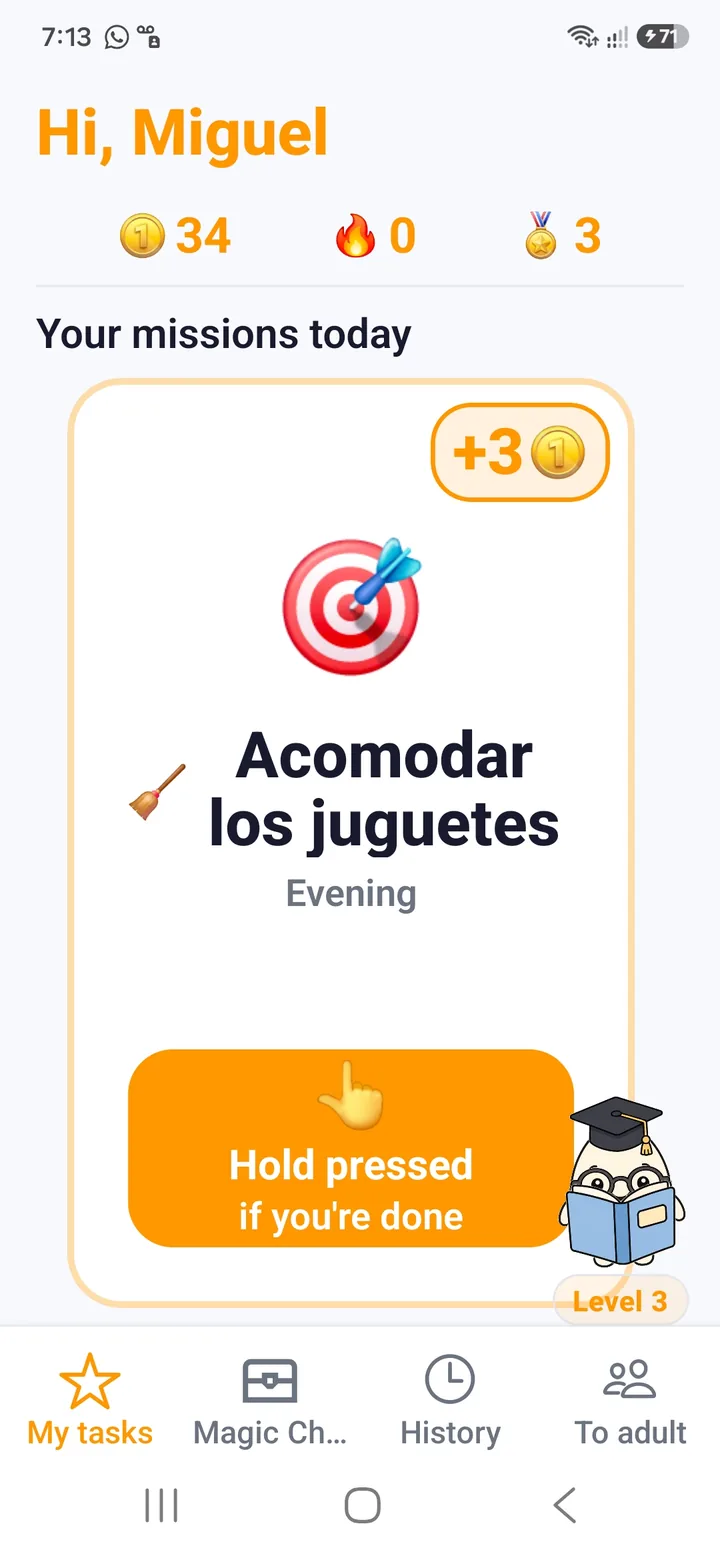
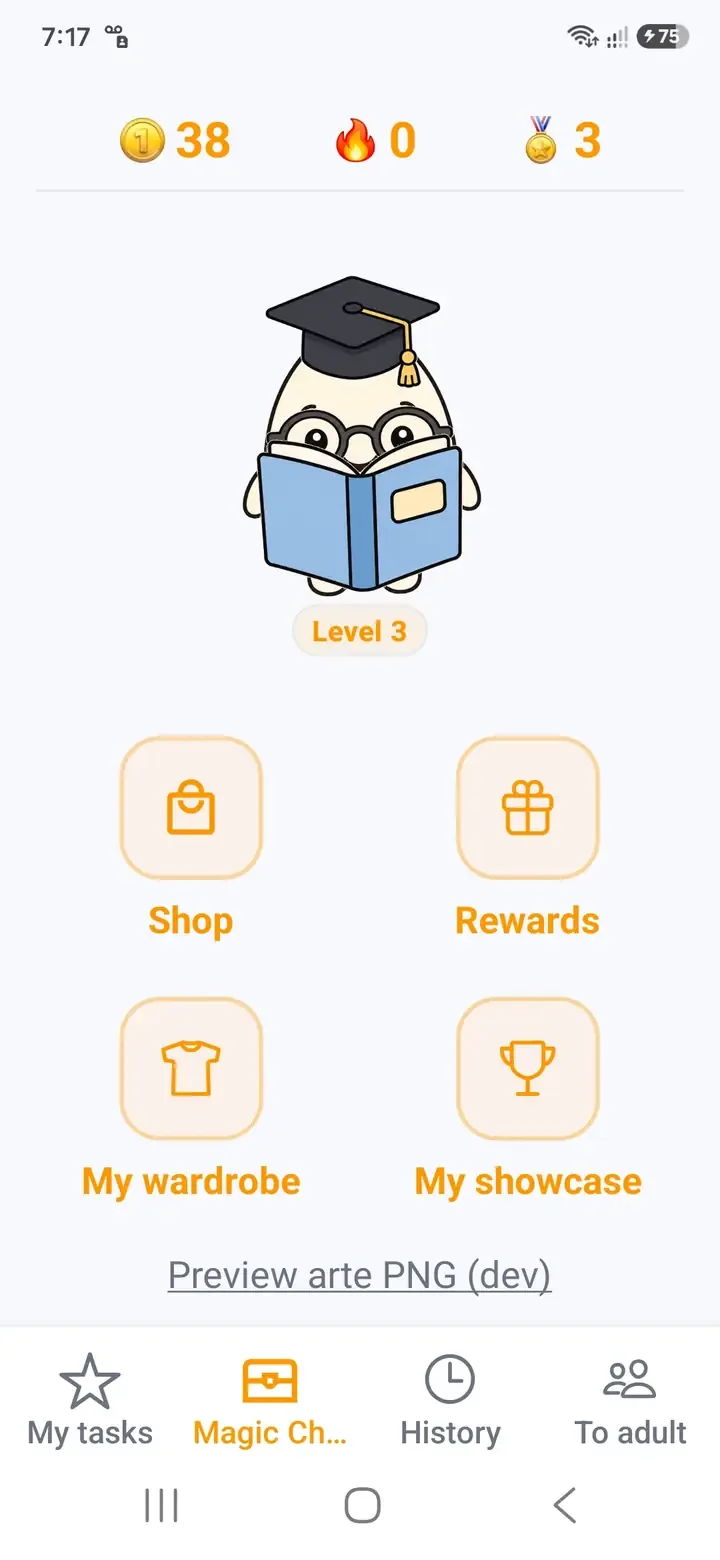
An age-appropriate experience to earn coins and experience (XP).
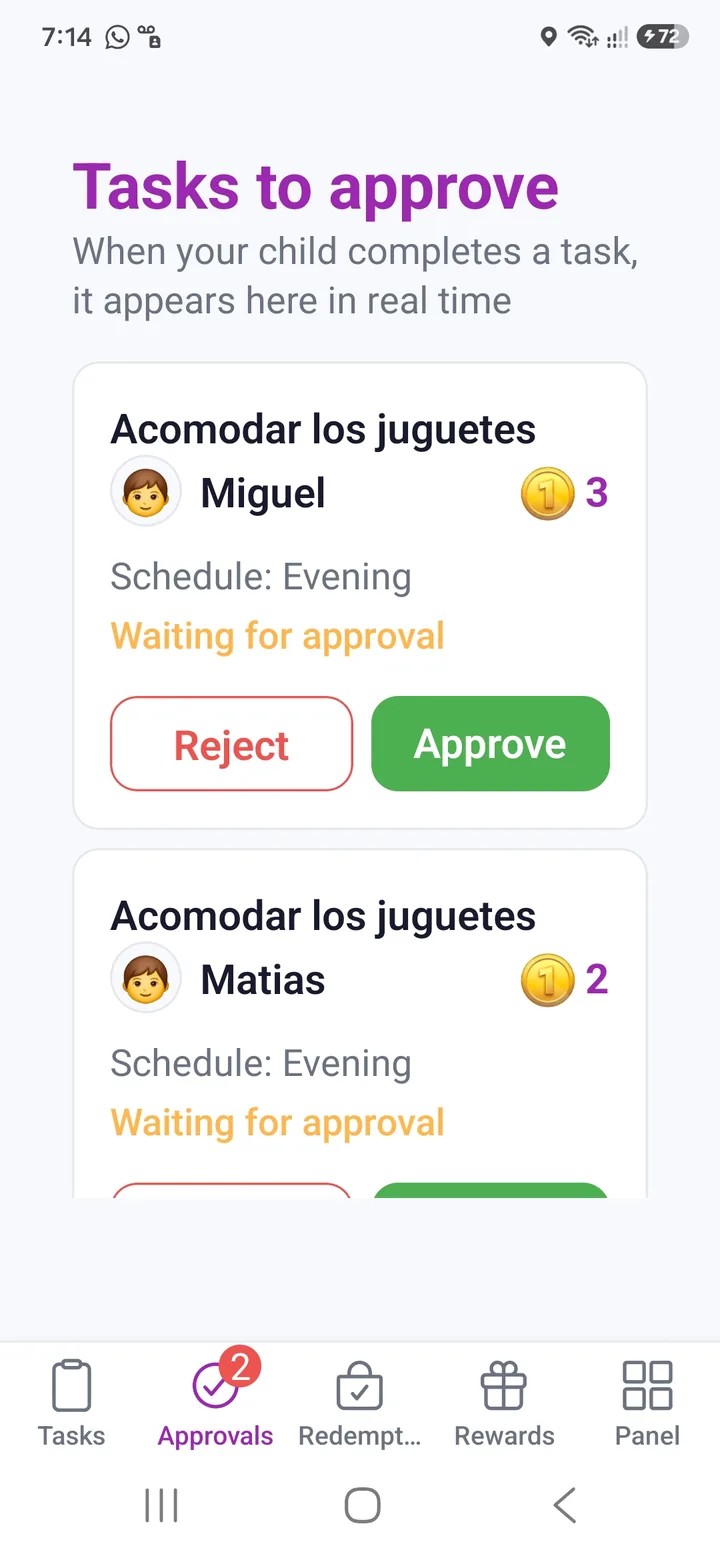
Confirm their effort from your phone and deliver the rewards your family chose together.
Built for the whole family team.
Mom, dad, grandparents, and caregivers — all on the same page.
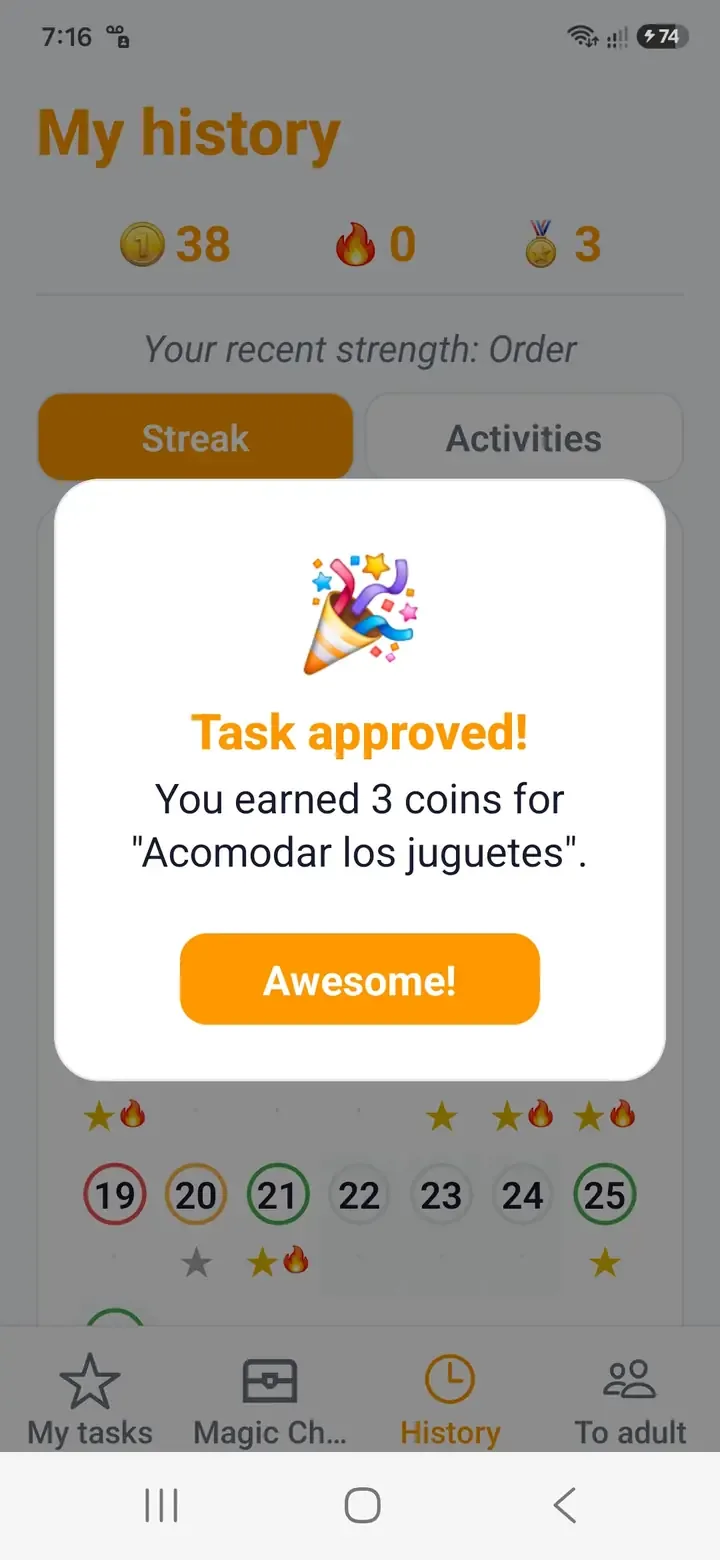
When a child marks a mission complete, it appears in Approvals. Approving it adds coins and XP automatically; rejecting it sends the task back to pending.
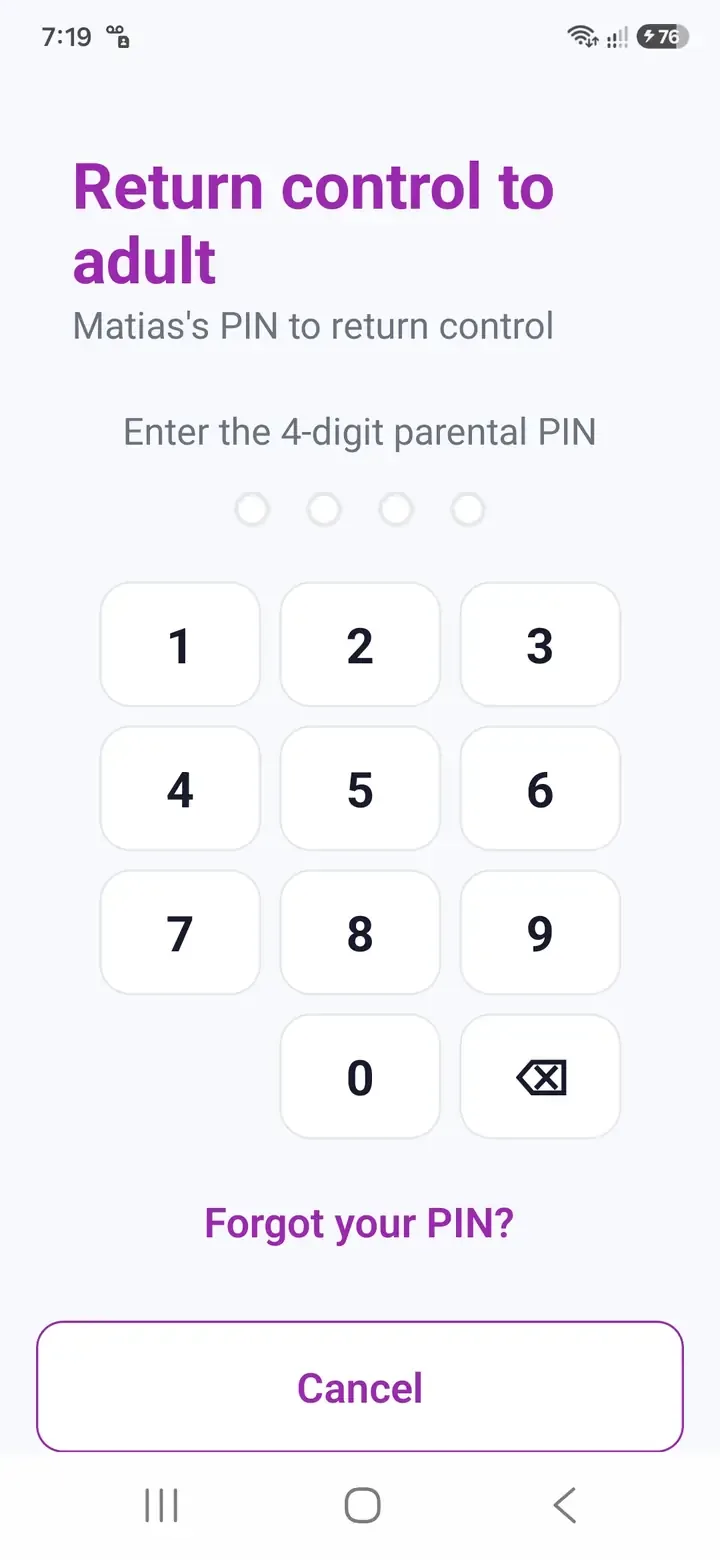
Use Shared Mode: set a parental PIN, let them mark their tasks, then regain control by tapping "For adults".
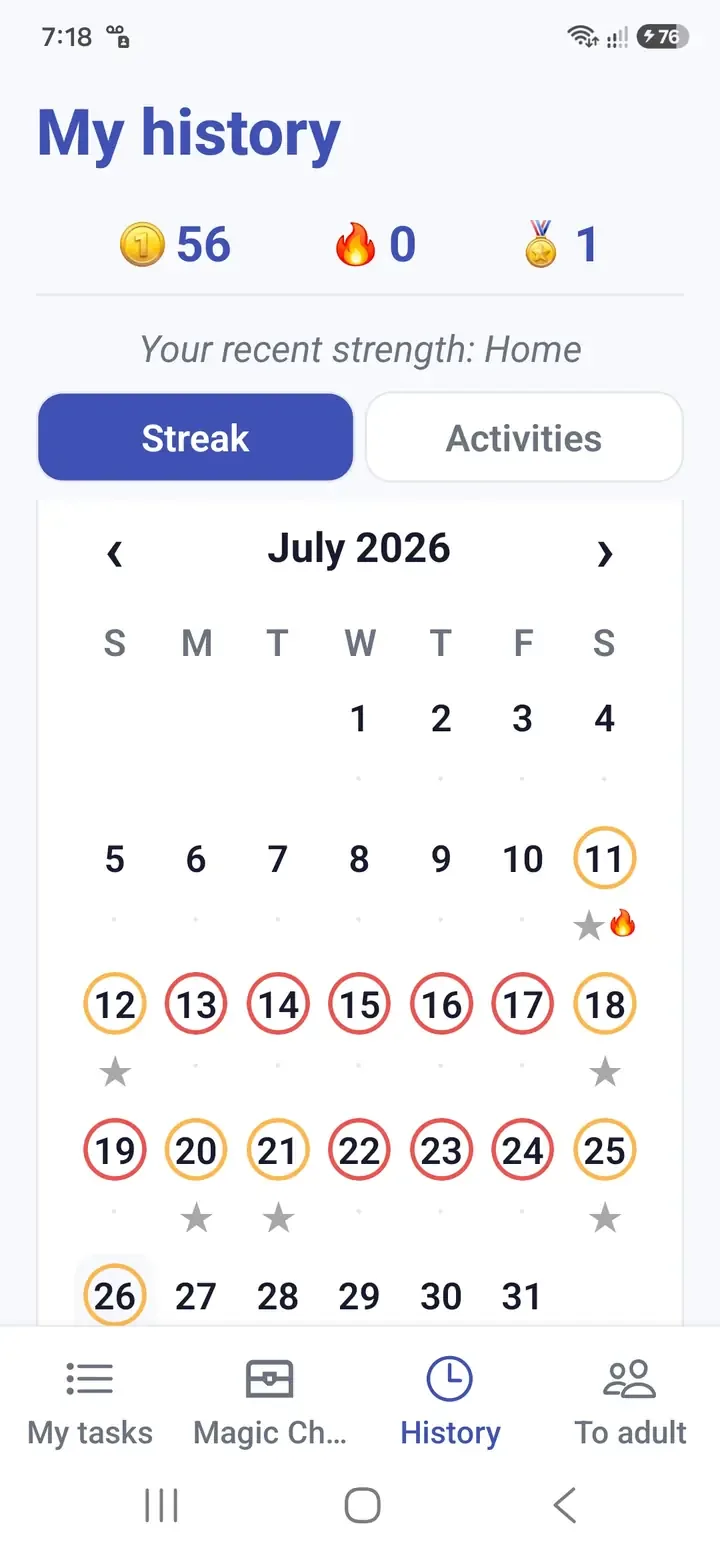
Pause task templates so no missions are generated, or forgive a single day without breaking their accumulated streak.
Coins are spent in the Magic Chest or on real-world rewards. XP levels up the companion and unlocks evolutions; it never goes down.
Yes. Invite other caregivers with a QR code. Everyone can see and approve missions and confirm rewards in real time.
Yes, to securely sync progress, approvals, and redemptions across your family's devices.
Download Habitopia and make today's to-dos feel like tomorrow's proudest moments.